

Choosing a WordPress theme is about more than finding a design that looks good. The theme you select can affect your website’s performance, mobile experience, customization options, and how easily visitors navigate your content.
With thousands of free and premium themes available, comparing them can quickly become overwhelming. Instead of choosing a theme based only on its demo, evaluate the features, compatibility, and long-term support your website actually needs.
Start With Your Website’s Purpose
The best WordPress theme depends largely on what you plan to build. A business website may need a professional layout with clear calls to action, while an online store requires strong eCommerce support and product-focused templates.
Before comparing themes, make a list of the features your website actually needs, such as portfolio pages, blog layouts, booking functionality, WooCommerce compatibility, or integration with the plugins you plan to use.
Starting with your requirements helps you avoid choosing a theme simply because it looks attractive in a demo.
Prioritize Performance and Speed
Website performance should be a major consideration when selecting a theme. A theme packed with unnecessary features, scripts, and visual effects can increase page load times and create a poor user experience.
Look for themes with clean code, optimized assets, and lightweight functionality. You should also test the theme’s demo pages on both desktop and mobile devices rather than relying entirely on screenshots or marketing claims.
A lightweight theme can provide a stronger foundation for SEO and user experience, particularly for visitors browsing on mobile devices or slower connections.
Check Mobile Responsiveness
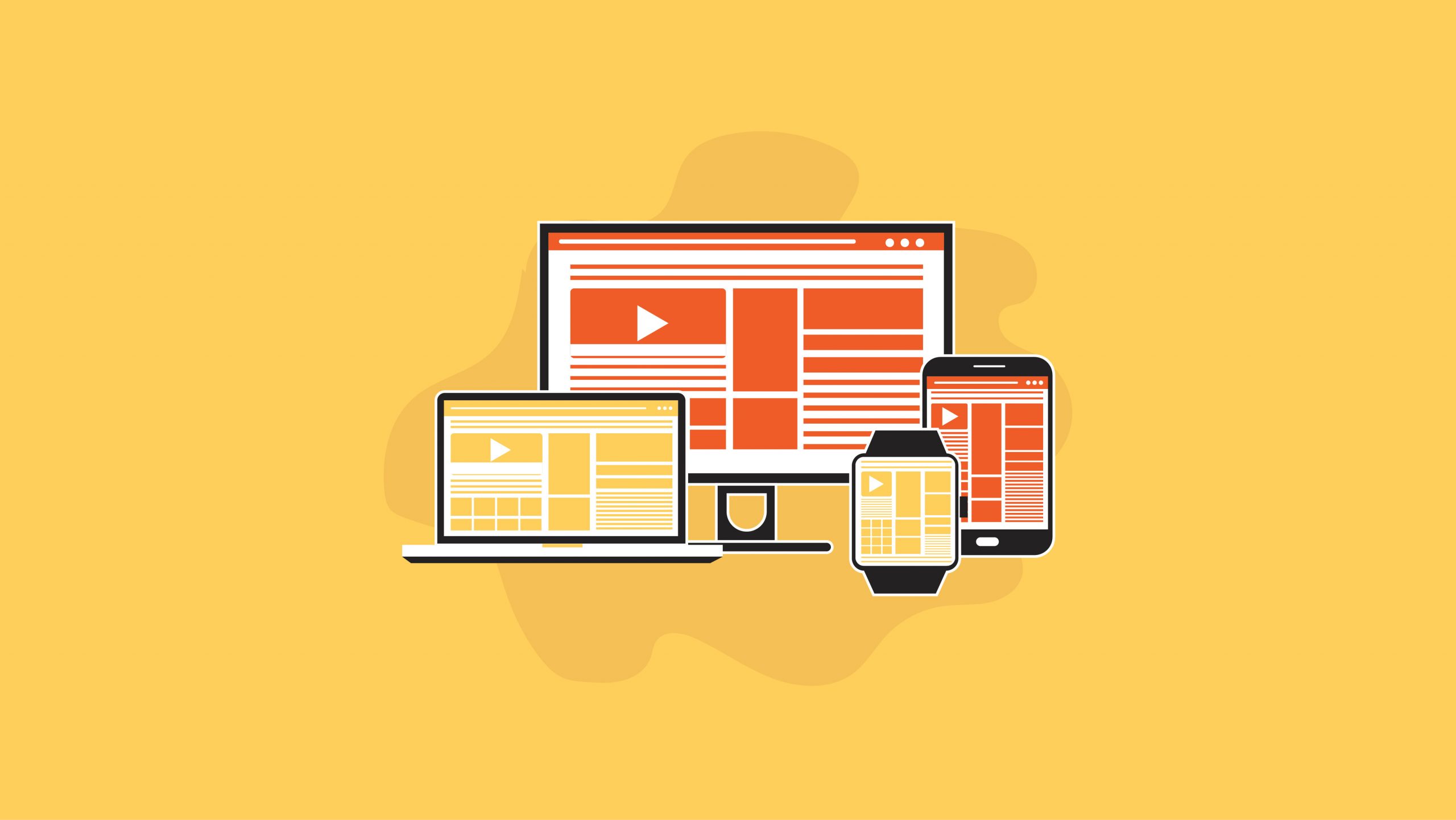
A modern WordPress website needs to work well across different screen sizes. Before installing a theme, check how its menus, images, buttons, typography, and page layouts behave on smartphones and tablets.
Responsive design should be a standard feature rather than something you need to fix manually after installation. Pay particular attention to navigation and readability, since these directly influence how easily visitors can interact with your website.
Consider Customization Options
A good theme should give you enough flexibility to create a website that matches your brand without requiring extensive coding knowledge.
Check whether the theme supports the WordPress Customizer, block editor, page builders, or other customization tools you already use. You should also consider how much control you have over colors, fonts, headers, footers, layouts, and reusable templates.
For users building a business website or online store, Flatsome is one option worth considering. Its extensive customization options and WooCommerce integration make it particularly useful for businesses that want more control over their store’s layout, branding, and shopping experience.
Review Compatibility and Updates
WordPress, plugins, and themes are constantly updated. A theme that is not regularly maintained can eventually lead to compatibility problems or security concerns.
Before choosing a theme, check when it was last updated and whether it supports your current WordPress version. User reviews can also help you identify recurring compatibility or support issues. If you plan to use WooCommerce or a page builder, verify that the theme works well with those tools as well.
It is also useful to review the theme’s documentation and customer support options. Clear documentation and responsive support can save significant time when you encounter configuration or compatibility problems.
Choose Themes and Tools From Reliable Sources
Where you obtain your theme matters just as much as which theme you select. Avoid downloading premium themes from unofficial sources, as modified files may contain malicious code or unwanted functionality.
When looking for WordPress themes, plugins, and other WordPress tools, PluginPro is a resource worth exploring. A trusted source can make it easier to find compatible website tools, avoid unreliable downloads, and keep your WordPress setup easier to maintain over time.
Make the Decision Based on Long-Term Needs
A theme should support your website as it grows rather than only meeting your current requirements. Think about future content, additional features, traffic growth, and potential changes to your business.
The right WordPress theme does not necessarily have the most impressive demo. Instead, it should provide a balance of performance, flexibility, compatibility, usability, and ongoing support.
By evaluating these factors before installation, you can choose a theme that not only looks professional but also provides a solid foundation for a successful WordPress website.
